How to create a default board

Cover slide for "How to create a default board" video

Filogix Exchange Update

Filogix Exchange Update

During the migration time Exchange will not be available to upload or retrieve documents. Once the migration is complete, you will be able to continue using Exchange as you had previously. For this time agents should hold documents on their local machines, and will be able to upload them once the migration is complete. You will follow the same process as today. While there will be minor cosmetic changes to the screen display, existing functionality will remain the same, and drag and drop ability will be added. Click here for a preview of the new look.

Should you have any questions about the process, please contact your local Filogix representative:

Did You Know … ?

Value Connect Logo

Value Connect lets you order appraisals directly through Expert Broker.

There’s 2 ways to order from your Expert application: 1) Click the “Services” page OR 2) Click “Request Appraisal” at the bottom right of the Subject Property Information section. For more information click on the below link.

Full On-Boarding Walk Through

Filogix Expert Pro Agent Orientation Guide

Filogix Expert Pro Agent Orientation Guide

July 2023 Expert Pro Release

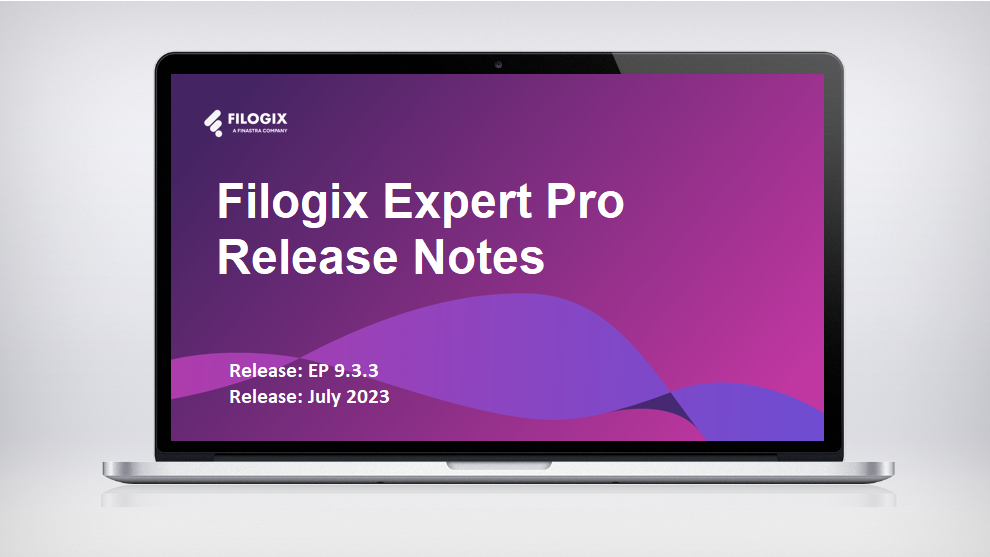
A laptop screen with the header "Filogix Expert Release notes"

In the upcoming release of Expert Pro, we’re elevating board functionality, enabling users to easily duplicate boards and enhancing the default board statuses for smoother workflows. Brokerage admins can now set default boards across their team for unified and efficient collaboration. We’ve also expanded our document automation feature to include switch/transfer applications for consistent document request handling. Our co-brokered applications feature now provides clearer notifications and transparency on co-broker actions. We’ve decluttered the user interface by removing redundant placeholders for a cleaner, more intuitive experience. The Mortgage Broker Disclosure to Borrower document is now accessible for New Brunswick deals, strengthening your compliance efforts. Plus, we’ve squashed several bugs to improve formatting, email notifications, along with enhancing data population and French translations. Please click here to review release note.

Overview

Do you want to know more about our solutions?

How do I create a drip campaign?

blue background thumbnail with article title

Do you want to know more about our solutions?

How do I set up document automations?

pink background thumbnail with the article title

Do you want to know more about our solutions?

How do I add automations onto my board?

blue background thumbnail with article title

Do you want to know more about our solutions?

How do I set up application automations?

purple background thumbnail with article title

Do you want to know more about our solutions?